
Get started
Deploy from the Azure Marketplace, then create your first zone and record in the Quickstart.
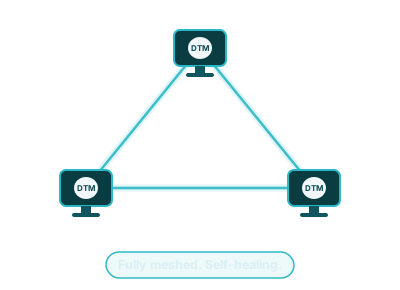
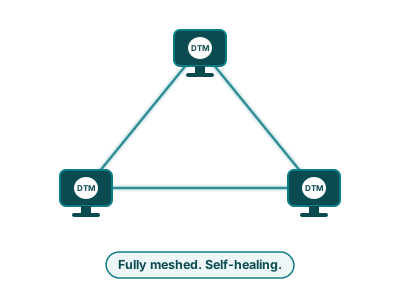
These docs are for the people who run Hayami DTM: infrastructure and platform engineers who manage DNS zones, records, health checks, and traffic policy for their Azure environment. They are task-oriented. For what DTM is and the problem it solves, start with What is Hayami DTM?
Get started
Deploy from the Azure Marketplace, then create your first zone and record in the Quickstart.
Manage with Terraform
The Terraform provider manages zones, records, GSLB, health checks, forwarders, and TSIG keys as HCL, if code is how you work.
Automate with the API
The REST API covers every admin operation, with JWT auth
and role-based access. Every API area has worked curl examples.
Operate day to day
DTM has three management surfaces and most tasks can be done in any of them. Pick the one that fits how you work, or mix them:
Deploy a node from the Azure Marketplace, then it is two calls to a serving
zone. The Quickstart walks every step, including
capturing $DTM_TOKEN:
export DTM_ENDPOINT="https://dtm.internal:8443"
# create a zonecurl -sk -X POST "$DTM_ENDPOINT/api/v1/zones" \  -H "Authorization: Bearer $DTM_TOKEN" -H "X-DTM-CSRF: 1" \  -H "Content-Type: application/json" \  -d '{"name": "example.internal.", "default_ttl": 300}'
# DTM is now answering for itdig SOA example.internal @10.0.250.4 +short
Need a hand? Email [email protected].