
What is Hayami DTM?
Hayami DTM (DNS Traffic Manager) is a self-contained service that provides authoritative DNS with health-aware load balancing for your Azure private VNets. You deploy it from the Azure Marketplace into your own subscription, so DNS queries and answers stay inside your environment.
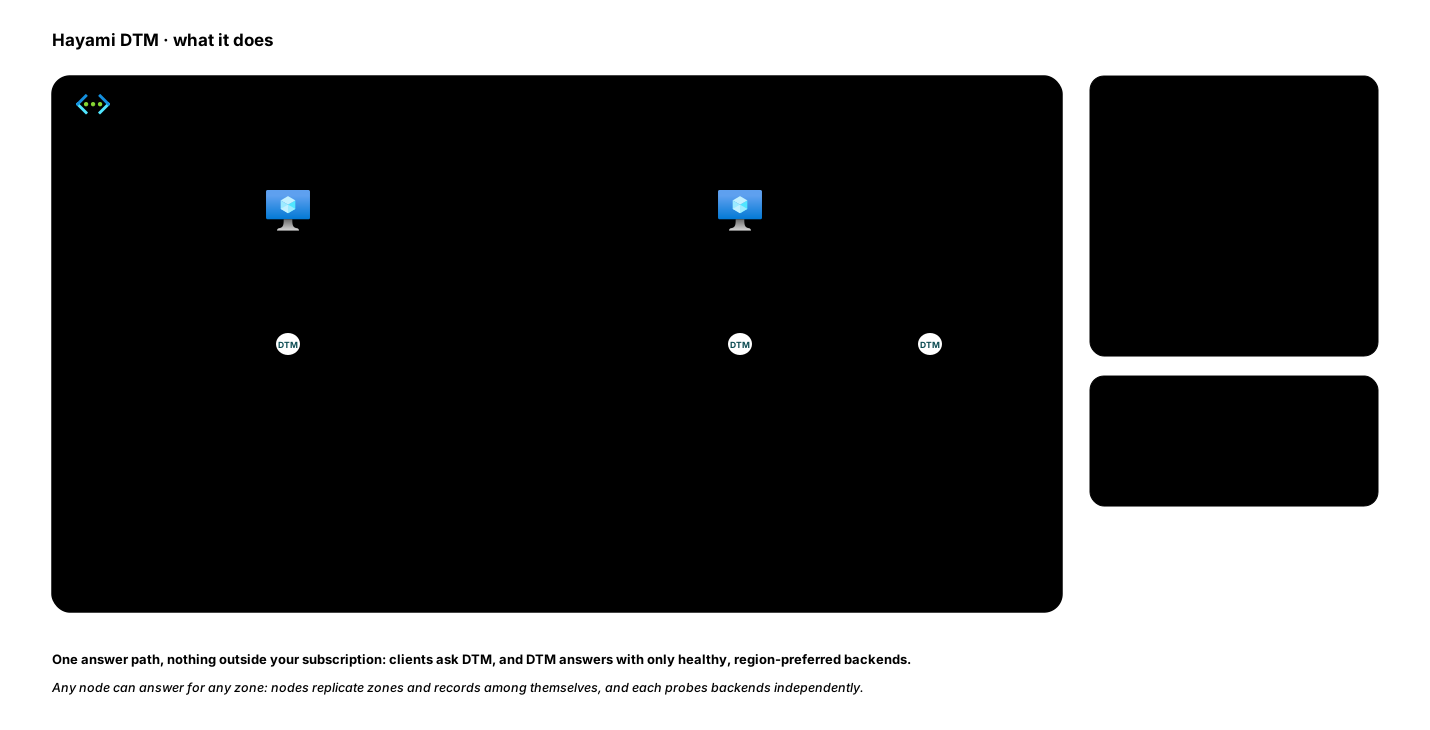
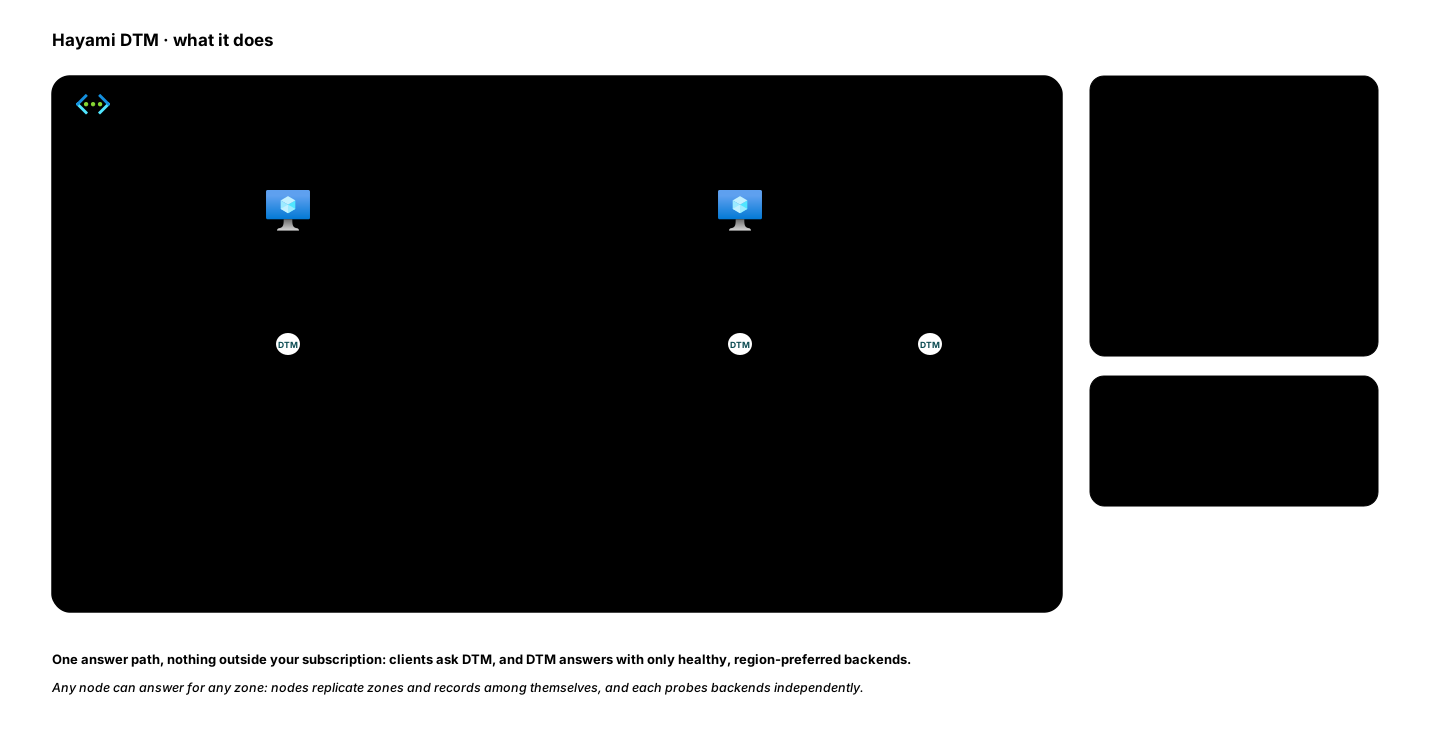
At its simplest, DTM answers DNS queries for the zones you host on it. What makes it a traffic manager is that a single name can point at several backends, and DTM continuously health-checks them and returns only the best healthy ones, steering each client according to a load-balancing policy you choose.
The problem it solves
Section titled “The problem it solves”Load-balancing private resources across Azure regions has traditionally meant stitching together several paid Azure services (Traffic Manager, Load Balancer, Application Gateway) plus custom DNS and home-grown failover. DTM replaces that stack with one service you run yourself:
- Health-aware answers. DTM probes your backends and drops the unhealthy ones from DNS responses, so clients are never sent to a dead endpoint.
- Region-aware routing and failover. Steer clients that query DTM directly to healthy backends in their own region, and fail over automatically when a region degrades. Behind a single shared forwarder, failover still works but region steering does not; see known limitations.
- Runs in your VNet. No traffic leaves your subscription; there is no external dependency in the query path.
What it does
Section titled “What it does”- Authoritative DNS for your private zones (A, AAAA, CNAME, MX, NS, PTR, SRV, TXT, CAA), plus conditional forwarding and stub zones for everything else.
- Load balancing across a record’s values with round-robin, failover, latency, region, geo-failover, or weighted policies, plus optional client affinity. See load-balancing methods.
- ALIAS records (GSLB): point one name, even a zone apex,
at downstream hostnames and DTM resolves, health-checks, region-balances, and
fails over, returning flattened
A/AAAA. - Override records: make a single name in an otherwise forwarded zone health-aware, without recreating the zone.
- Health checks over TCP, HTTP, and HTTPS, including authenticated probes for auth-gated backends (static token, OAuth2, mutual TLS, or Azure Managed Identity).
- Multi-node resilience: run a cluster with no single point of failure; nodes replicate zones and records among themselves.
- Three management surfaces: a Terraform provider, a REST API, and a web UI.
- Observability: Prometheus metrics, a pre-built Grafana dashboard, and optional OTLP export to your collector. See observability.
How it is delivered
Section titled “How it is delivered”DTM is delivered exclusively through the Azure Marketplace. You deploy it into your own subscription and VNet; no Hayami-hosted service runs your cluster, and no external service sits in the DNS path. See Deploy from the Azure Marketplace to get started, then the Quickstart to create your first zone and record.
Where to go next
Section titled “Where to go next”- New to DTM? Work through Deploy then the Quickstart.
- Managing it as code? Start with the Terraform provider setup.
- Integrating with your own tools? See the REST API overview.
Need help? Email [email protected]. For security reports, see the security page.