
Rotating secrets
A DTM deployment holds a small, well-defined set of secrets. This page is the
index for rotating each of them, on a schedule or after a suspected exposure,
and it is explicit about the one that cannot be rotated in place today. The
API examples send a bearer token as $DTM_TOKEN; the
API overview shows how to capture one.
The first-boot secrets
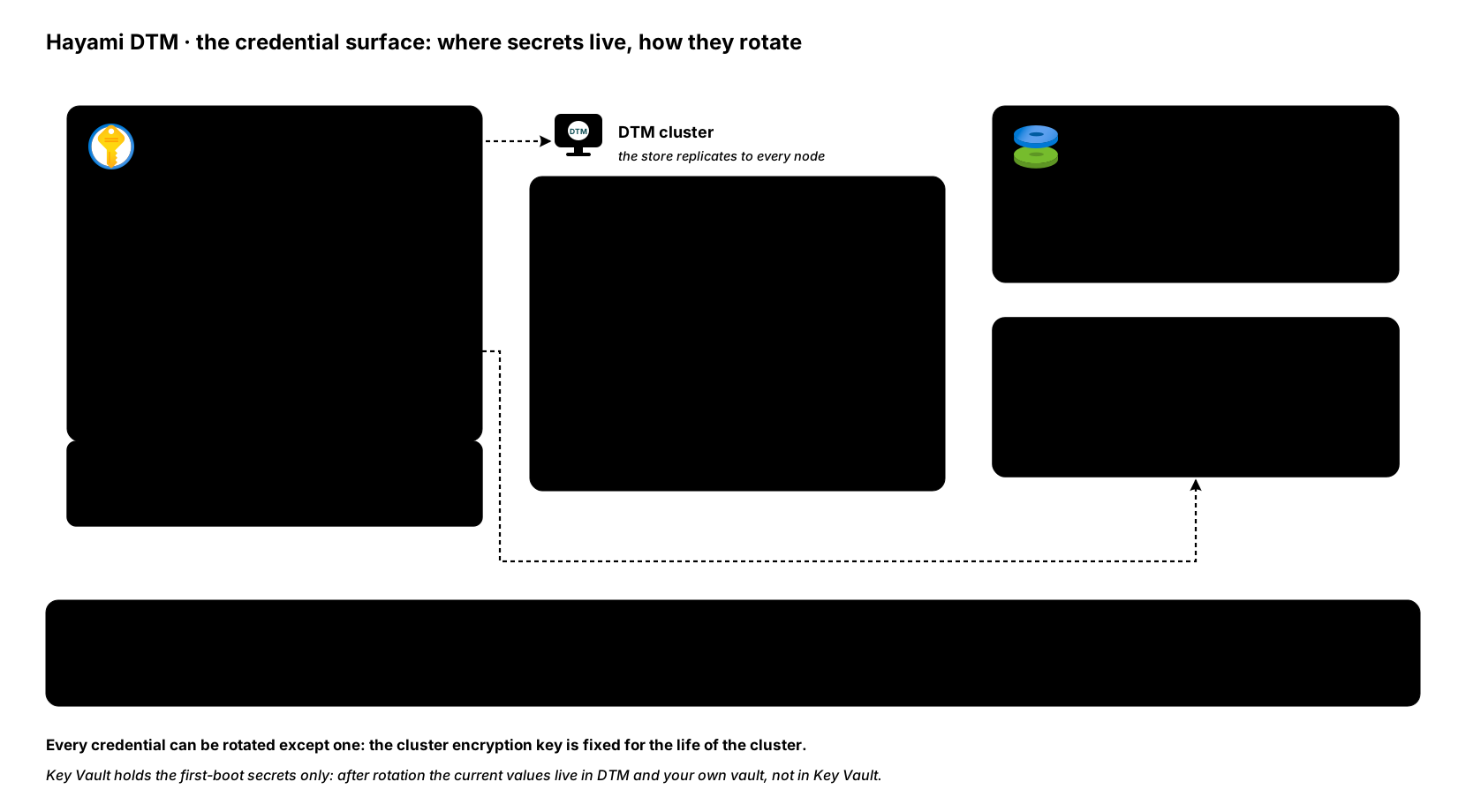
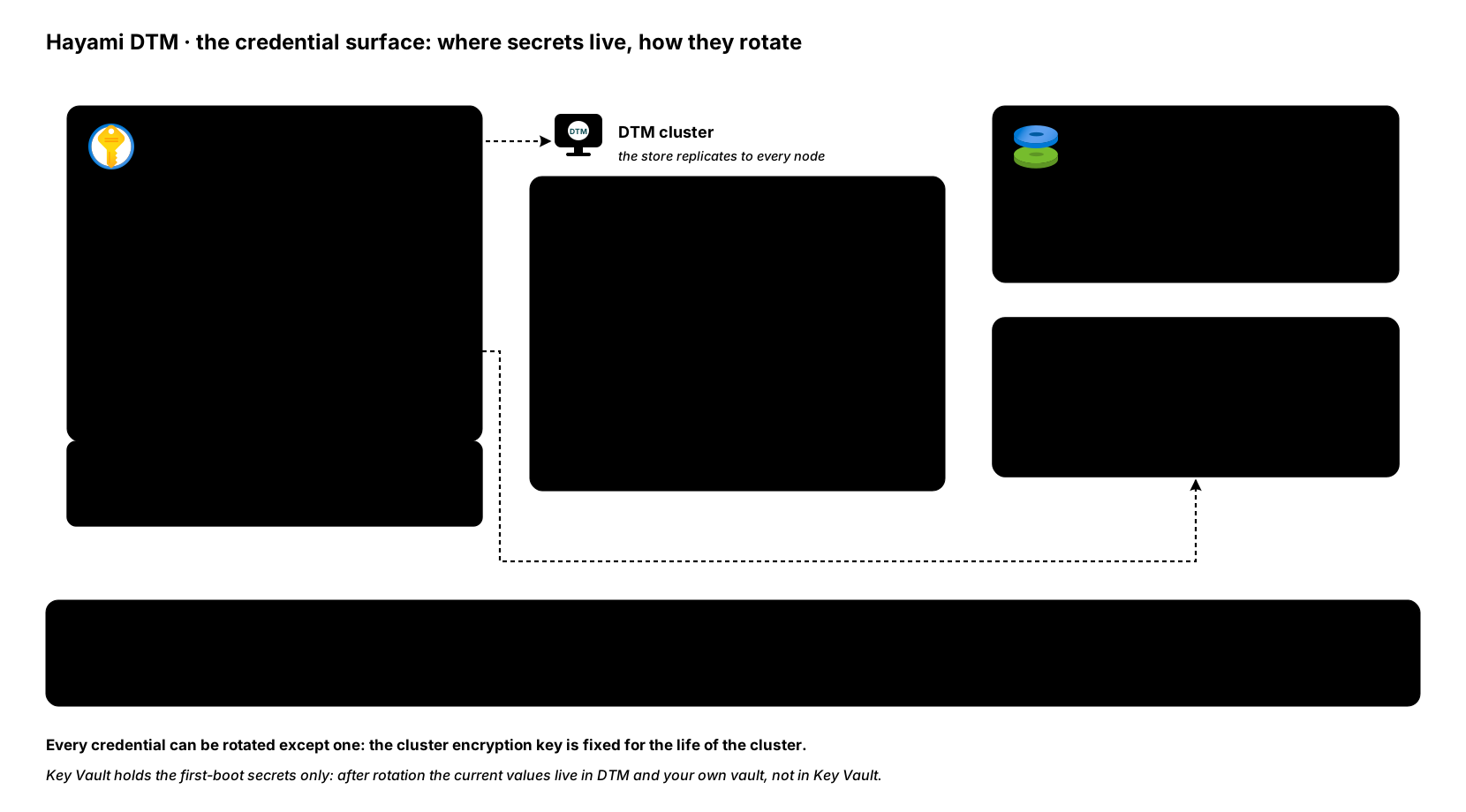
Section titled “The first-boot secrets”At first boot the cluster establishes two shared secrets in Key Vault: the
initial administrator password and the cluster encryption key. In the Terraform
customer-starter environment the vault also holds the shared web UI TLS bundle
(dtm-tls, or a CA-signed bundle you
created yourself
under a name you chose); on a Marketplace deployment, or one from the Terraform or Bicep
samples, each node generates its TLS certificates locally and nothing
TLS-related goes into the vault (see
how the cluster’s secrets are created).
They rotate very differently:
Administrator password
Section titled “Administrator password”Change it at any time from the Users page or the API, like any other user’s password:
curl -sk -X PUT https://dtm.internal:8443/api/v1/users/<id> \ -H "Authorization: Bearer $DTM_TOKEN" \ -H "X-DTM-CSRF: 1" \ -H "Content-Type: application/json" \ -d '{"password": "a-new-password-of-16-plus-chars"}'Changing the password in DTM does not update the first-boot secret in Key Vault: that secret is only read when a node bootstraps, so after your first rotation treat the Key Vault copy as historical and keep the current password in your own vault. If the password is lost rather than due for rotation, see troubleshooting for the offline break-glass reset.
Management TLS material
Section titled “Management TLS material”Fully rotatable, including onto a corporate-CA certificate; the procedure has its own page: TLS certificates.
Cluster encryption key
Section titled “Cluster encryption key”In-place rotation of the cluster encryption key is not currently supported:
there is no API or command that re-keys a running cluster. This is a
documented limitation.
Moving a cluster onto a new key today means redeploying onto a fresh set of
first-boot secrets and restoring your data from a
backup. If your key-management policy requires
periodic rotation, or you suspect the key has been exposed, email
[email protected] to plan that migration. The
key protects node-to-node cluster traffic, the secrets stored inside the
database (so treat any copy of the database or a snapshot as readable to
whoever holds the key), and the authenticity seal on backups. NSG containment
on port 7946 is the immediate network mitigation, but a suspected key
exposure also means treating exfiltrated snapshots and database copies as
compromised while you plan. The move-to-a-fresh-cluster mechanics are the same walkthrough as
promoting a pilot to production, which exists
precisely so a new cluster is born with its own key.
Protect the replication encryption key. It encrypts the traffic between your cluster’s nodes, protects the secrets each node stores, and admits a node to the cluster: anyone who holds it can join as a member. Treat it as one of your most sensitive secrets, alongside the admin password. Keep it in Key Vault, limit who can read the vault and the node VMs, never store it in source control or deployment state, and plan a move to a new key straight away if you suspect it has been exposed. In-place rotation is not supported, so that move is the redeploy described above.
Everything else
Section titled “Everything else”The rest of the credential surface rotates in place. In one table:
| Credential | How to rotate |
|---|---|
| User passwords | Users page or PUT /api/v1/users/{id}; see users and access. |
| Service-account tokens | POST /api/v1/service-accounts/{id}/rotate, version-gated so a retried call cannot double-rotate; see the API reference. |
| API bearer / refresh tokens | Nothing to do: bearer tokens expire after 24 hours and the refresh token rotates itself on every use; see known limitations. |
| TSIG keys | PUT /api/v1/tsig-keys/<name> with a new secret; omit zone_ids to keep the existing zone bindings. In Terraform, change the key and apply; see the rotation tip for the update order. |
| Entra client secret | At the app registration, then save it in DTM once: a cluster-wide configuration (v1.0.5) reaches every node. See Entra ID SSO. |
| Health-probe credentials | Stored write-only. In the UI, secret fields load blank with a “leave blank to keep” hint: type a new value to rotate. In Terraform, change the value and apply; see health probes. |
| UI TLS certificate | TLS certificates. |
After a suspected exposure
Section titled “After a suspected exposure”If you suspect the Key Vault secret set, or a node’s filesystem, has been read by someone who should not have it, work through the list in this order:
- Administrator password. Disable the account first if abuse is live (enabled status is re-checked on every request, so disabling kills access immediately; a password change alone leaves an issued token valid for up to 24 hours). Then change the password, or use the offline reset in troubleshooting when no usable admin credential remains: it works with the node stopped and re-enables the account if it was disabled. Both paths revoke the account’s refresh tokens.
- Entra client secret (if SSO is configured): rotate it at the app registration and update DTM’s config.
- Management TLS material: rotate per TLS certificates. Its private key only protects management-plane confidentiality, so this is urgent but not resolution-affecting.
- Cluster encryption key: not rotatable in place (above). Contain at the
network layer, confirm the NSG restricts port
7946to the DTM nodes, treat any database copies or backup snapshots taken under the old key as exposed, and engage support to plan a redeploy. - Operational credentials that may have been captured downstream: service-account tokens, TSIG keys, and probe credentials, per the table above.
- Review the audit log (
GET /api/v1/audit, or the Audit Log page) for changes you do not recognise, and review the Key Vault’s own access logs on the Azure side.
Next steps
Section titled “Next steps”- TLS certificates: the certificate half of this story in full.
- Security: protections in place and operator responsibilities.