Forwarders and stub zones
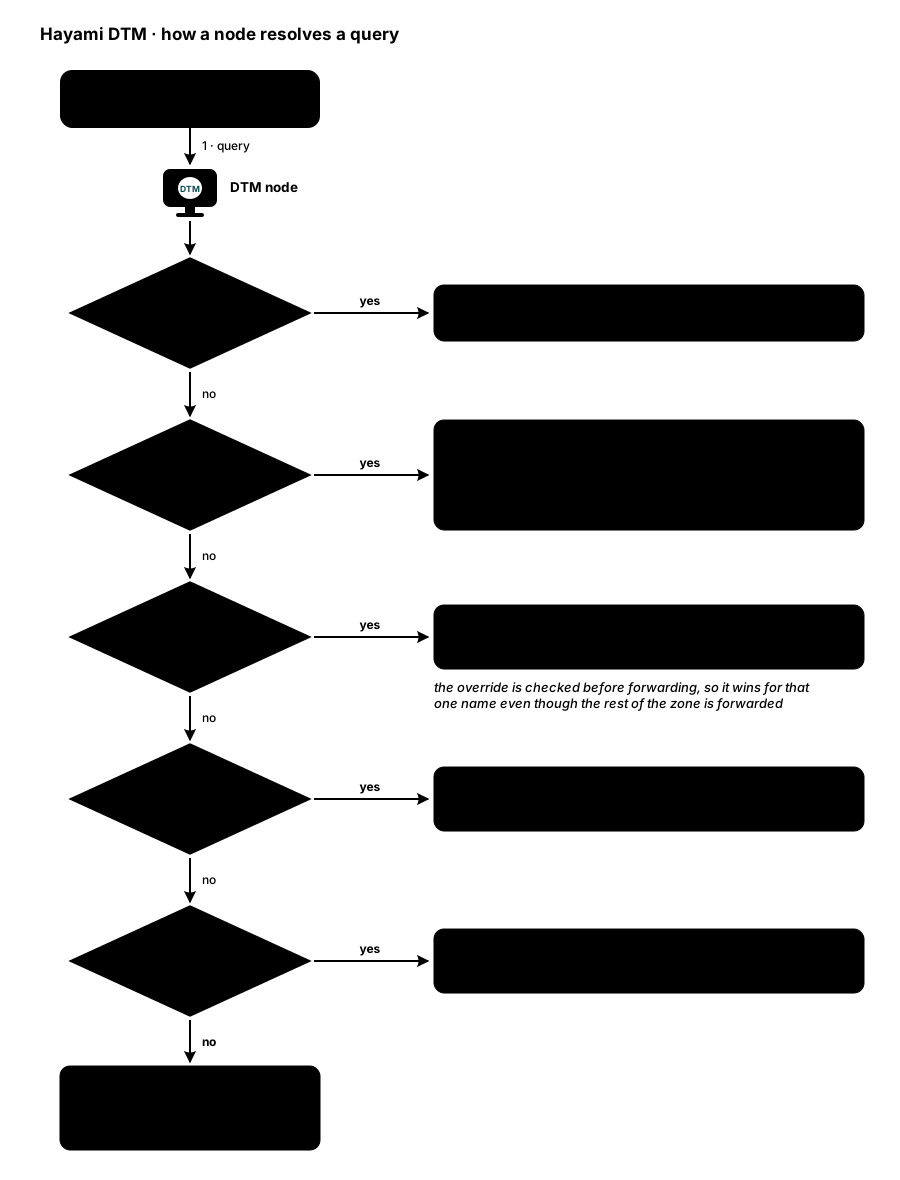
DTM is authoritative for the zones you create on it. For everything else, it can forward queries to other resolvers. Three mechanisms decide where a non-authoritative query goes. End to end, a query walks this pipeline:
Default forwarder
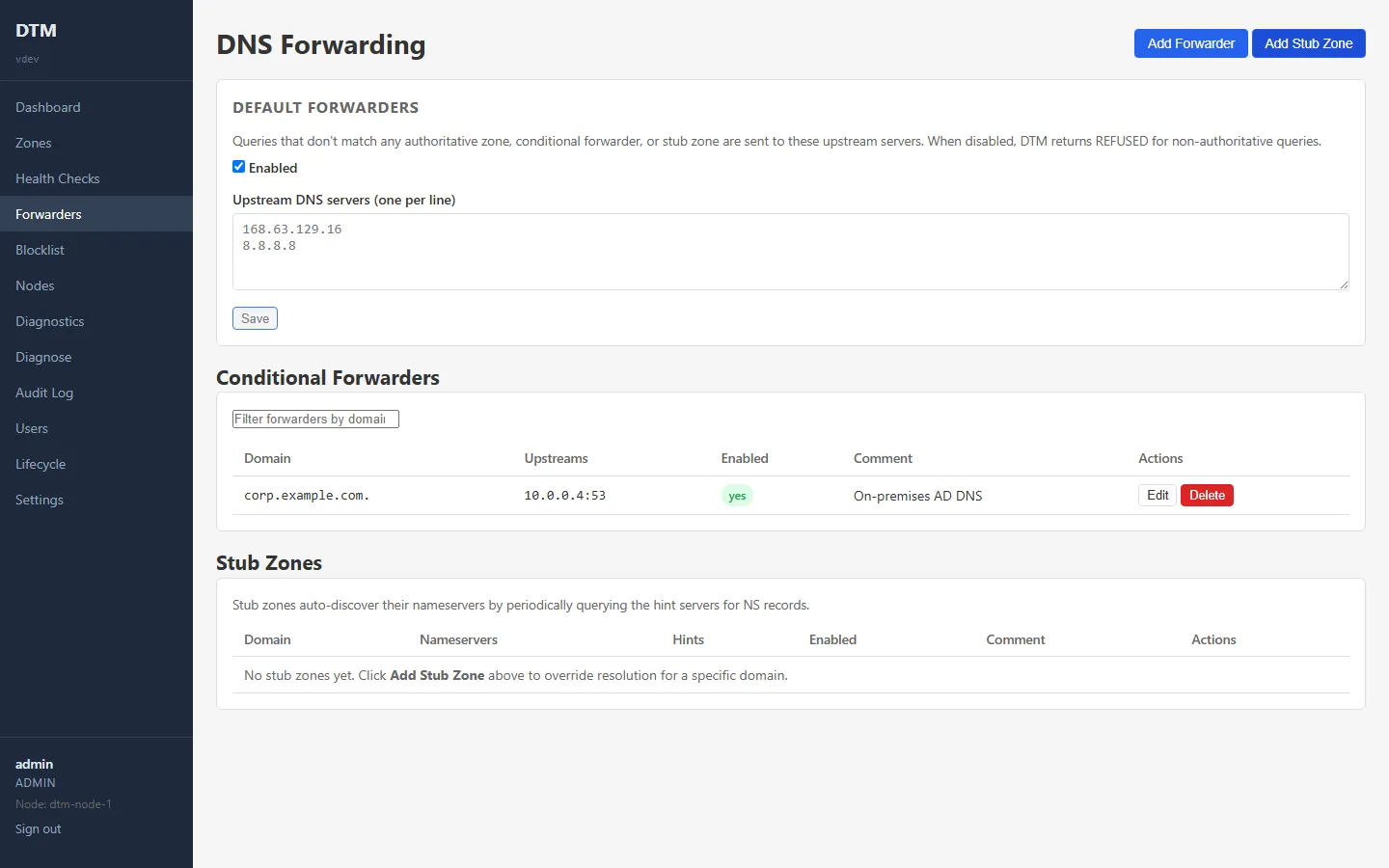
Section titled “Default forwarder”The default forwarder is where DTM sends any query that does not match one of its zones or a conditional forwarder. On Azure this is typically the platform-provided resolver.
{ "upstreams": ["168.63.129.16"], "enabled": true }If you disable the default forwarder, DTM answers non-matching queries with
REFUSED instead of forwarding them, so it only ever resolves names you have
explicitly configured. This is a deliberate lock-down option.
Conditional forwarders
Section titled “Conditional forwarders”A conditional forwarder sends queries for one specific domain to specific upstream resolvers. Use it to reach namespaces that another DNS server owns, for example an Active Directory domain or a partner’s internal zone. (Running alongside Azure DNS Private Resolver? The coexistence patterns show which direction to forward in each setup.)
{ "domain": "corp.contoso.com.", "upstreams": ["10.0.0.1:53"], "comment": "AD DNS"}Conditional forwarders take precedence over the default forwarder for their domain.
Stub zones
Section titled “Stub zones”A stub zone is a conditional forwarder that finds its own upstreams: you
give DTM one or more bootstrap nameservers (“hints”) for a domain, DTM asks
them for the domain’s NS records and their addresses (hourly by default, set
by refresh_interval_seconds), and it sends queries for the domain to those
nameservers. DTM passes each query on as the client sent it and returns the
reply as it arrives; it does not follow referrals itself. A name the domain’s
nameservers answer directly resolves normally, but when those nameservers do
not recurse, a name in a child zone delegated further down comes back as a
referral, which most clients cannot use. Use a stub zone when you want DTM to track a domain’s authoritative
nameservers rather than pin a fixed set of upstream IPs.
{ "domain": "partner.local.", "hints": ["10.5.0.1:53"], "comment": "Partner DNS"}A domain is owned by at most one entry across both mechanisms: creating a second conditional forwarder or stub zone for a domain that already has one (of either kind) is rejected with a conflict error.
Blocklist
Section titled “Blocklist”The blocklist is a suffix-matched denylist. Any query whose name matches an
entry (or a subdomain of it) is answered with NXDOMAIN. Use it to sink known
tracking or malware domains at the DNS layer.
{ "domains": ["doubleclick.net", "trackers.example"] }Encrypted upstreams: DoT and DoH (optional)
Section titled “Encrypted upstreams: DoT and DoH (optional)”This section is about DTM’s outbound path: forwarders talking to their upstreams. DTM can also serve DoT and DoH to your own clients; that is configured separately, see DNS over TLS and HTTPS.
Any forwarder (default, conditional, or stub zone) can reach its upstreams over an encrypted transport. Set these fields on the forwarder itself; one transport applies to all of that forwarder’s upstreams:
| Field | Meaning |
|---|---|
transport |
udp (default, with TCP retry), tcp, dot (DNS over TLS), or doh (DNS over HTTPS). Default ports: 853 for DoT, 443 for DoH, 53 otherwise. |
tls_server_name |
Name used for SNI and certificate verification (upstreams stay IP literals). |
ca_pem |
PEM CA or leaf pin for the upstream’s certificate. |
tls_skip_verify |
Encrypt without verifying the certificate. Logged as a warning; a ca_pem pin, if also set, wins. |
doh_path |
DoH endpoint path, default /dns-query. |
An encrypted transport requires at least one of tls_server_name, ca_pem,
or tls_skip_verify, and it never falls back to plaintext: a failed
encrypted exchange fails over to the next upstream instead. Note that Azure’s
platform resolver (168.63.129.16) does not offer DoT or DoH, so encrypted
transport is mainly useful on conditional forwarders and stub zones pointing
at resolvers you control.
Health-aware upstream failover (optional)
Section titled “Health-aware upstream failover (optional)”Set health_check: true on a forwarder (default, conditional, or stub zone)
and DTM actively probes its upstreams and tries healthy ones first. Probes run
over the forwarder’s configured transport every 10 seconds with a 2 second
timeout; two consecutive failures mark an upstream unhealthy, one success
brings it back. Classification is reachability, not correctness: any
well-formed DNS response counts as healthy, only timeouts, refused
connections, and malformed responses count against an upstream.
Ordering preserves your configured order within each group (healthy first,
unhealthy moved to the back), and if every upstream is unhealthy DTM still
tries them all in your original order, so a probe outage never causes an
early failure. Upstream health is judged per node and never replicated:
each node fails over based on its own reachability. The status surfaces are
the Prometheus metric dtm_forwarder_upstream_healthy (labelled by upstream
and scope; see observability) and the per-upstream
verdicts from the UI’s Test button, below.
Test a forwarder’s upstreams
Section titled “Test a forwarder’s upstreams”Each conditional forwarder and stub zone in the web UI has a Test button (admin role). It queries the configured upstreams directly, over the configured transport, bypassing the cache and the resolution pipeline, so the result is attributable to the forwarder under test rather than to some other pipeline stage. Each upstream gets its own interpreted verdict, which makes the one dead upstream in a list obvious:
- A bare
NXDOMAINreads as “the upstream answered, but has no record for this name”, not a failure. NODATA,REFUSED, andSERVFAILeach get their own plain-language verdict.- Only a transport failure reads as “could not reach the upstream”.
Stub zones are tested against their live nameserver list (the configured hints are shown for comparison), falling back to the hints only when no refresh has ever populated the live list.
Forwarder hardening (optional)
Section titled “Forwarder hardening (optional)”For deployments that forward to the internet, you can constrain the default forwarder with an optional allowlist of domain suffixes it will forward, and a per-client query-rate cap. Leave the allowlist empty to forward everything. See the cluster and runtime config Terraform page or the API reference.
Managing forwarding
Section titled “Managing forwarding”- Web UI: the DNS settings pages cover forwarders, stub zones, and the blocklist.