
Load-balancing methods
When a record has more than one value, a load-balancing policy decides which healthy value (or values) DTM returns to each client. Health checking runs first: unhealthy values are removed from consideration before the policy is applied, so the policy chooses among healthy backends. (If every value is unhealthy, DTM fails open and considers them all rather than returning an empty answer.)
Region filtering runs next, for every method, whenever any of the
record’s values has a region: DTM keeps the healthy values in the client’s
region, or all of them when none is in that region. A value gets its region
from its region tag, which DTM fills in automatically when the value’s
address falls in one of your subnet mappings. The policy
then chooses among what is left.
You set the policy per record, or as a zone-wide default that records without their own policy inherit (a record’s own policy wins). Configure it from the web UI, the REST API, or the Terraform provider.
Methods
Section titled “Methods”| Method | Behaviour | Use it when |
|---|---|---|
round-robin |
Distributes queries evenly across all healthy values. | Backends are equivalent and you want simple spread. |
failover |
Returns the first healthy value in your configured order; moves to the next only when the one before it is unhealthy. | Active/standby: a primary you prefer, with warm secondaries. |
latency |
Returns the healthy value with the lowest latency, as measured by its health-check probes. | Performance-sensitive services spread across locations. |
region |
Returns values in the client’s own region first, failing over to other regions when all local values are unhealthy. | Region-affinity with automatic cross-region failover. |
geo-failover |
Region filtering plus round-robin within the selected region. | Region affinity where you also want to spread load across several backends in that region. |
weighted |
Returns values in proportion to per-value weights. | Canary releases and blue-green cutovers: shift a chosen share of traffic to a new backend. |
With no policy set on the record or its zone, DTM returns the record’s healthy
values in declaration order. Region filtering runs first, with or without a
policy: when any value has a region tag, only the values in the client’s region
are returned, and all healthy values are returned when none is local. So with a
policy set, the failover order, latency and round-robin all work within the
client’s region, and values in other regions are used only when that region has
no healthy value.
All six methods are available from the web UI record
form, the API, and Terraform;
for weighted, the UI form shows a per-value percentage input.
About weighted
Section titled “About weighted”Weights are percentages, set in the policy’s value_weights map keyed by
the record value. A listed value takes its percentage of traffic; the leftover
of 100 is split evenly among the values you did not list, so {"10.0.1.20": 90}
on a two-value record gives the other value 10 percent, and a newly added
value automatically shares the remainder. An explicit 0 drains a value
without deleting it (the blue-green primitive: keep the standby warm and
health-checked at 0, then flip). Listed weights must be 0 to 100 and sum to
at most 100; writes outside that are rejected. Health and region filtering
run first and the survivors’ shares renormalize, so the split is exact only
while every weighted backend is healthy. If no positive-share value survives,
DTM falls back to round-robin rather than returning an empty answer.
Client affinity and weighted do not combine. When affinity
is on it takes over selection entirely and value_weights is never consulted: a
pinned client keeps its value, and every other client is spread evenly across
the values. Turn affinity off on a record you want to weight.
About region and geo-failover
Section titled “About region and geo-failover”Region-aware methods need to know which region a client and each value belong to.
DTM derives the client’s region from the source address using your
subnet mappings, and each value’s region from its region
tag (or, again, from the address). Set up subnet mappings before relying on
region or geo-failover; without a matching mapping, DTM assumes a client is
in the serving node’s own region, so it cannot distinguish clients that are
actually elsewhere and steer them to their nearer region. A forwarding
resolver in front of DTM (for example a domain controller forwarding a zone,
as in adopting one zone at a time) is
the client from DTM’s perspective: region steering then happens at the
granularity of the forwarders’ locations, so each client region needs its own
forwarding resolver. This applies to every method on a record whose values have
regions, not only region and geo-failover: behind a single forwarder, a
failover or weighted record is narrowed to the forwarder’s region too, so
switching method does not avoid it. Health-checked failover, including to
another region when none of the values in the forwarder’s region is healthy,
works behind any forwarder.
Cross-region failover also needs network reachability: health verdicts are node-local, so a node only fails clients over to a remote backend it can itself confirm healthy (its own reachability stands in for its clients’). Make sure VNet peering and NSGs let the DTM nodes probe backends in every region they should fail over to; Azure VNet peering is not transitive, so each DTM-to-backend leg must be peered explicitly.
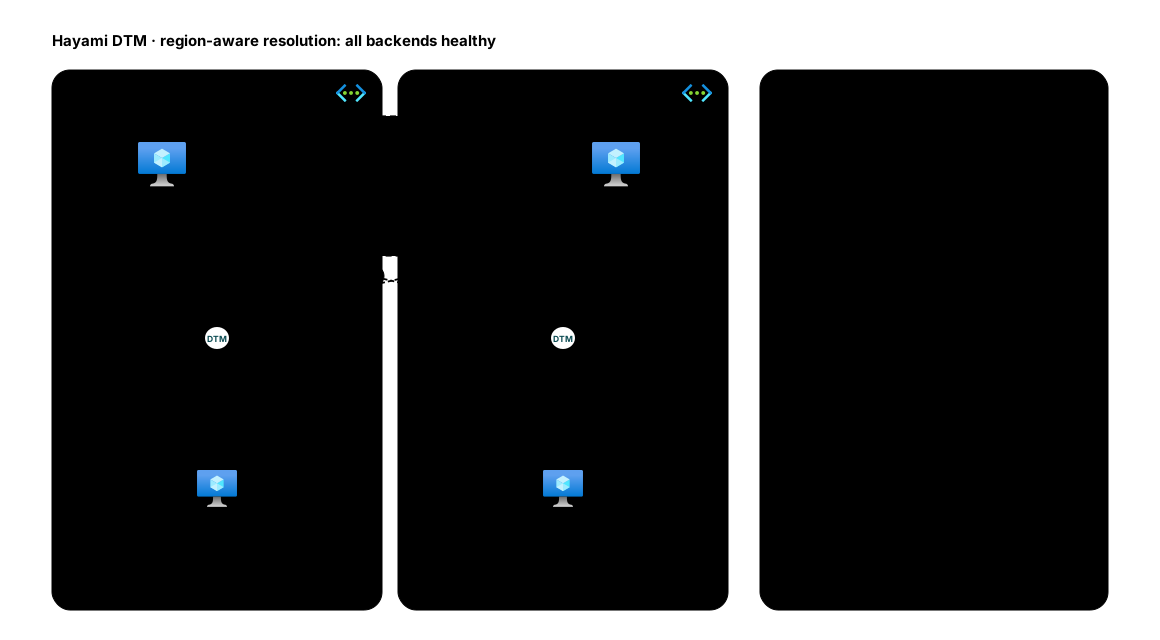
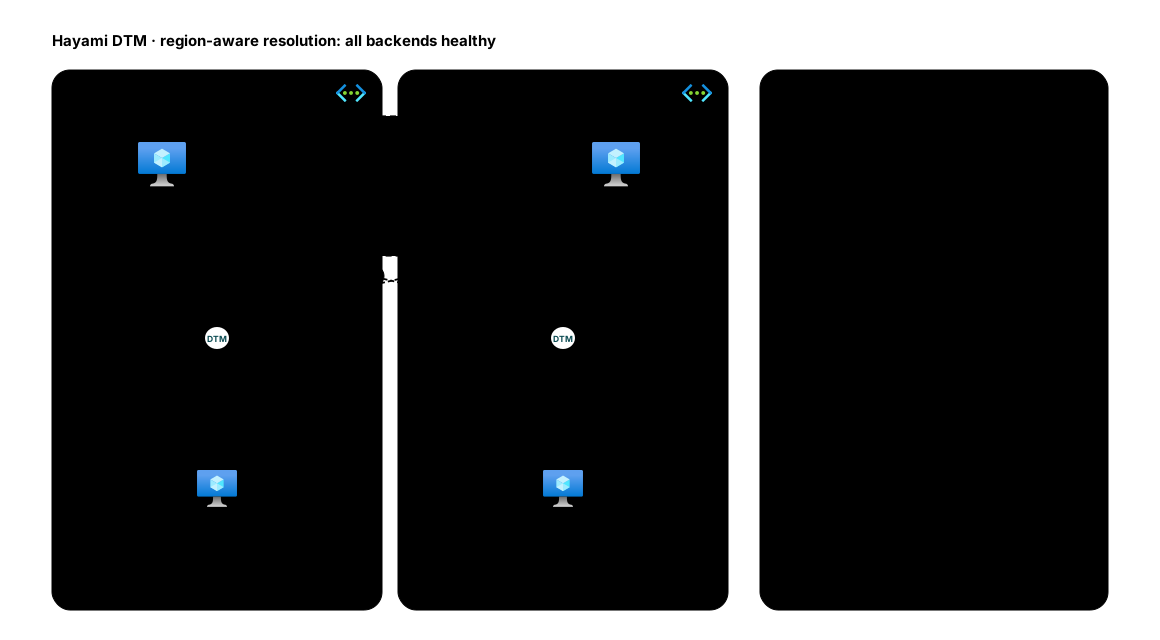
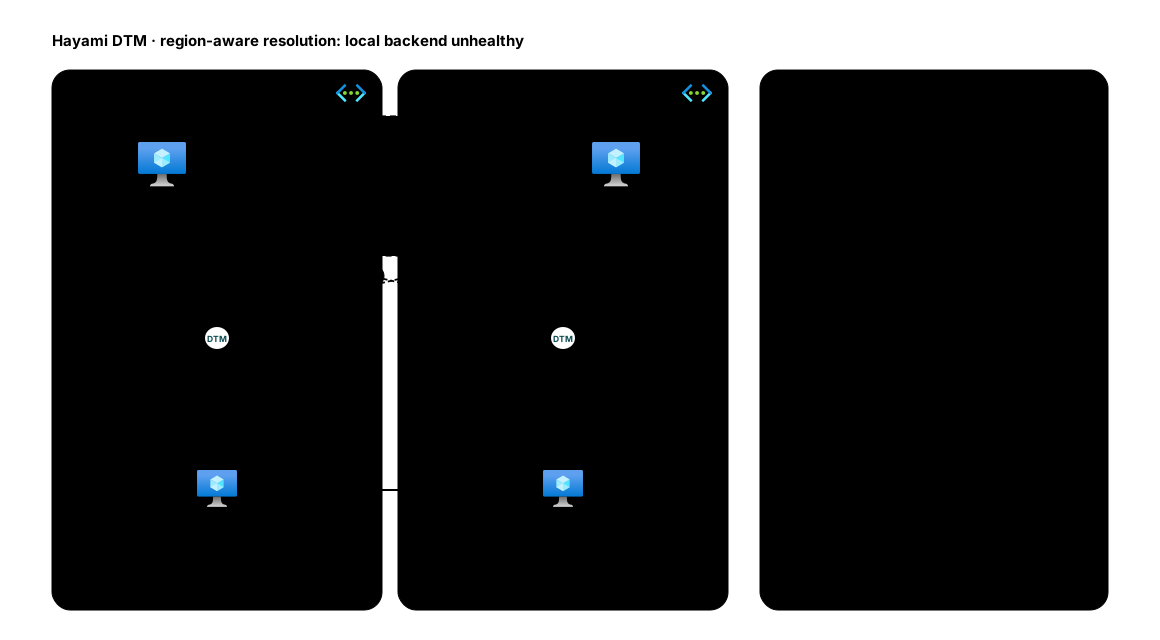
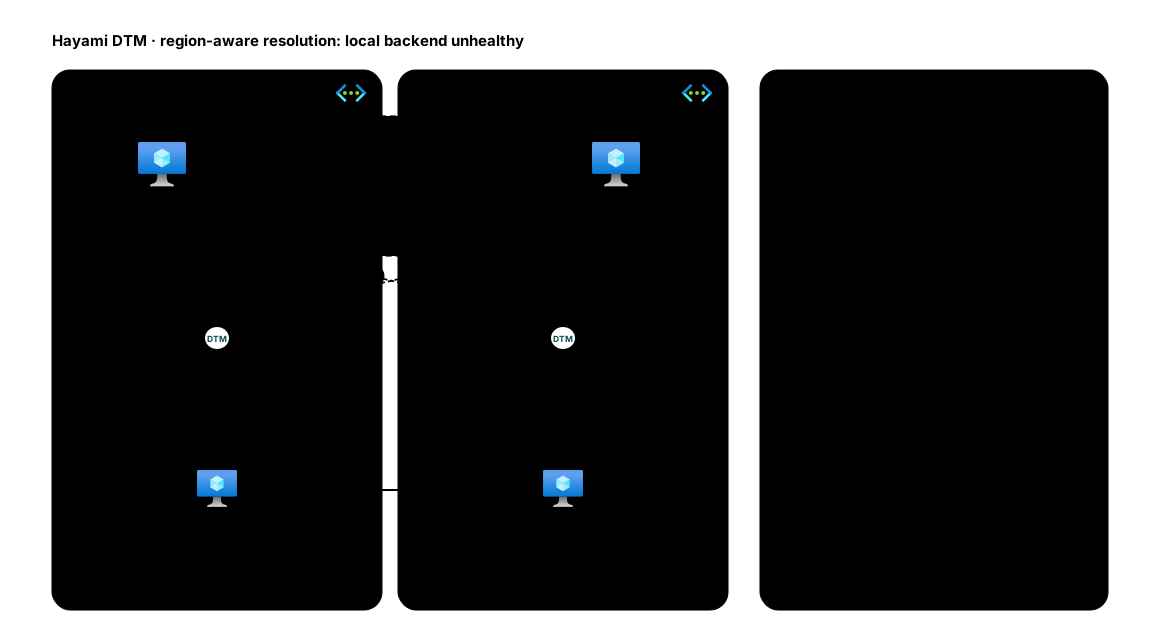
Here is region-aware resolution end to end, first with every backend healthy, then with the client’s local backend down:
Client affinity
Section titled “Client affinity”Turning on client affinity pins each client (by a hash of its source address) to the same value for a configurable window (up to 24 hours). Use it for workloads that benefit from session stickiness. While affinity is enabled it takes over selection: the hash spreads clients across the healthy values, and each client stays on the value it landed on until the window expires (or that value drops out of the healthy set, at which point the client is re-pinned).
Failover speed
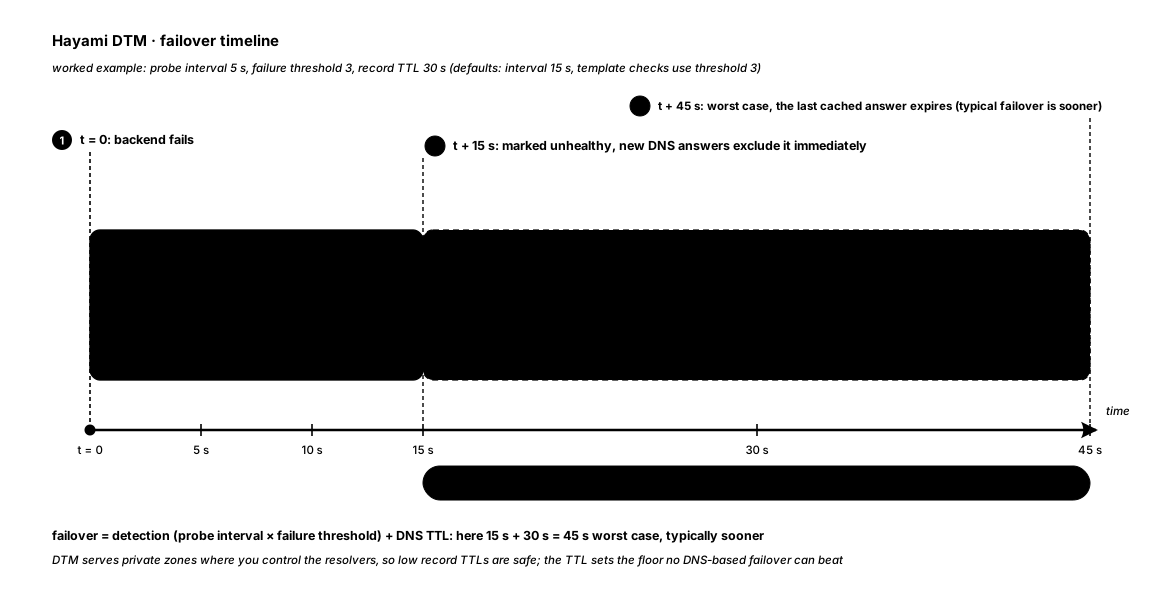
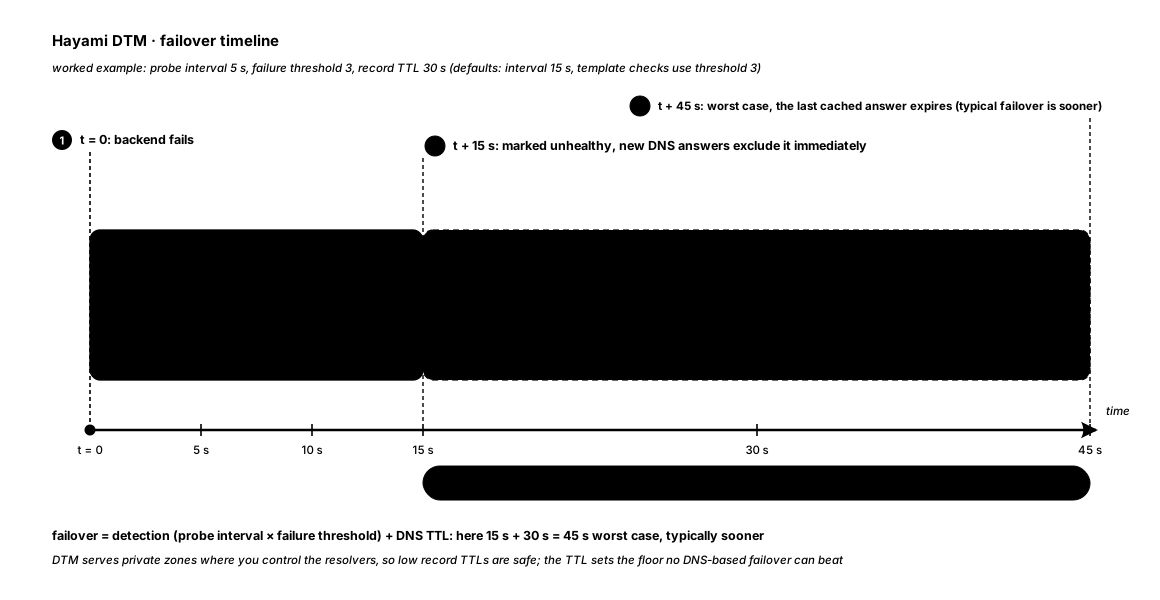
Section titled “Failover speed”Failover is the sum of two things:
- Detection: how long DTM takes to mark a backend unhealthy, which is the health-check interval multiplied by the failure threshold.
- DNS TTL: how long clients cache the previous answer.
Because DTM serves private zones where you control the resolvers, you can set low TTLs safely. A short probe interval with a low record TTL gives end-to-end failover in the low tens of seconds for critical services. Like any DNS-based system, failover cannot beat an answer a client has already cached, so the record TTL sets the floor.
Here is a worked example on a time axis, with a 5 second probe interval, a failure threshold of 3, and a 30 second record TTL:
Choosing a method
Section titled “Choosing a method”- One region, equivalent backends →
round-robin. - Primary/standby →
failover. - Multiple regions, keep clients local →
region(usegeo-failoverif you also want to spread load within the region). - Latency-critical, geographically spread →
latency. - Canary release or blue-green cutover →
weighted(with a low TTL). - Any of the above, but sticky sessions → add client affinity.
For cross-region load balancing where your backends are addressed by hostname rather than fixed IP, use an ALIAS record (GSLB), which layers the same policies on top of query-time resolution.